
Before you start
- The CAPA is in Awaiting Effectiveness Review.
- You are named in Coordinators on the CAPA.
- You know your Complere password.
Steps
Open the CAPA from CAPAs, then open its Effectiveness tab.
Under Was the action effective?, choose Yes or No. The form opens with No selected, so check the answer.
Fill in Summary of evaluation. With No, also fill in Rejection reason.
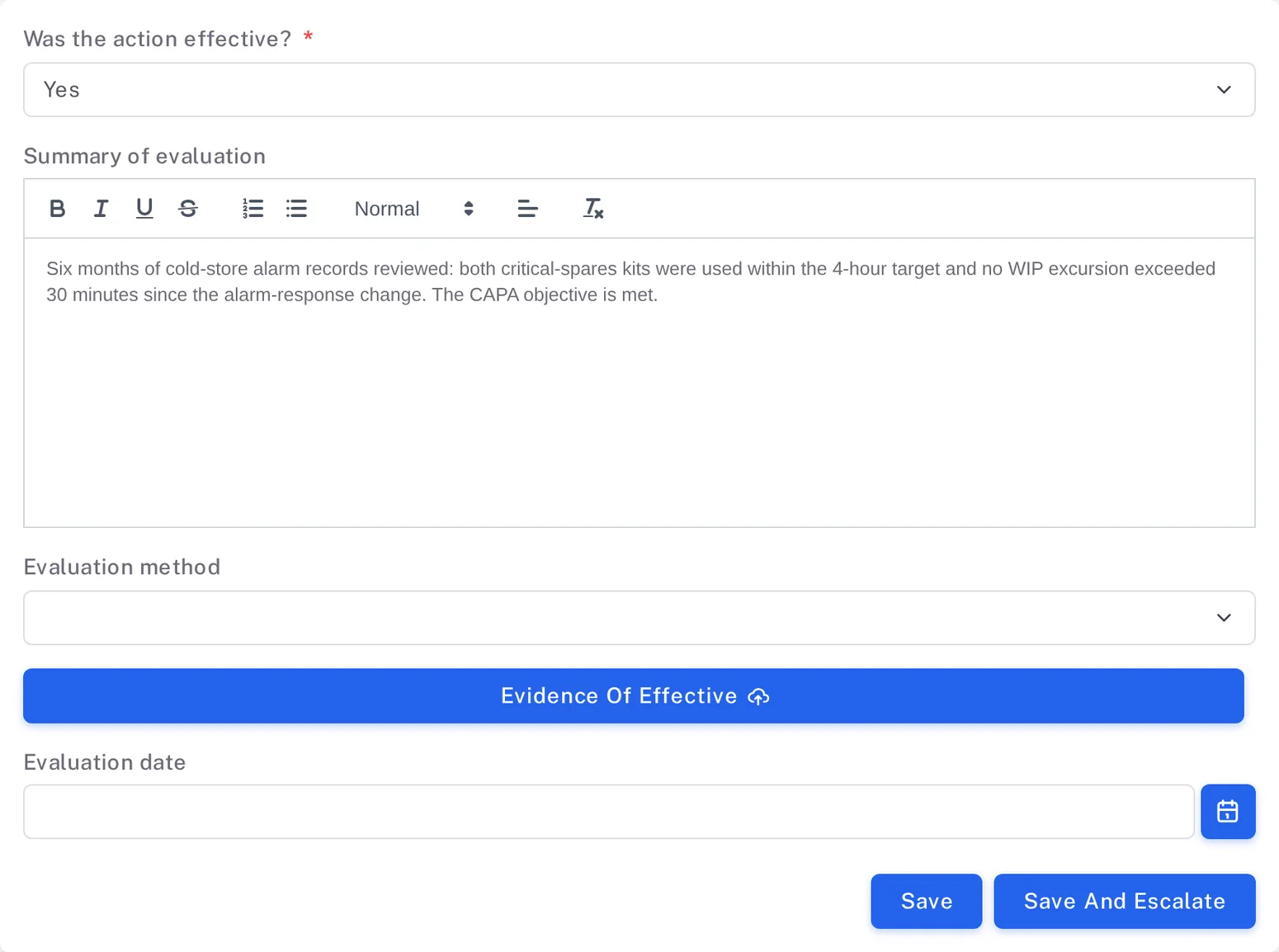
Step 3. The Effectiveness tab with Was the action effective? set to Yes, a summary of evaluation, Evaluation method, Evidence Of Effective, Evaluation date and the Save and Save And Escalate buttons Select Save And Escalate. With Yes the form Escalate status to Awaiting Effectiveness Verification opens; with No it is Status reject to Awaiting QA sign-off. Type your password and select Sign.
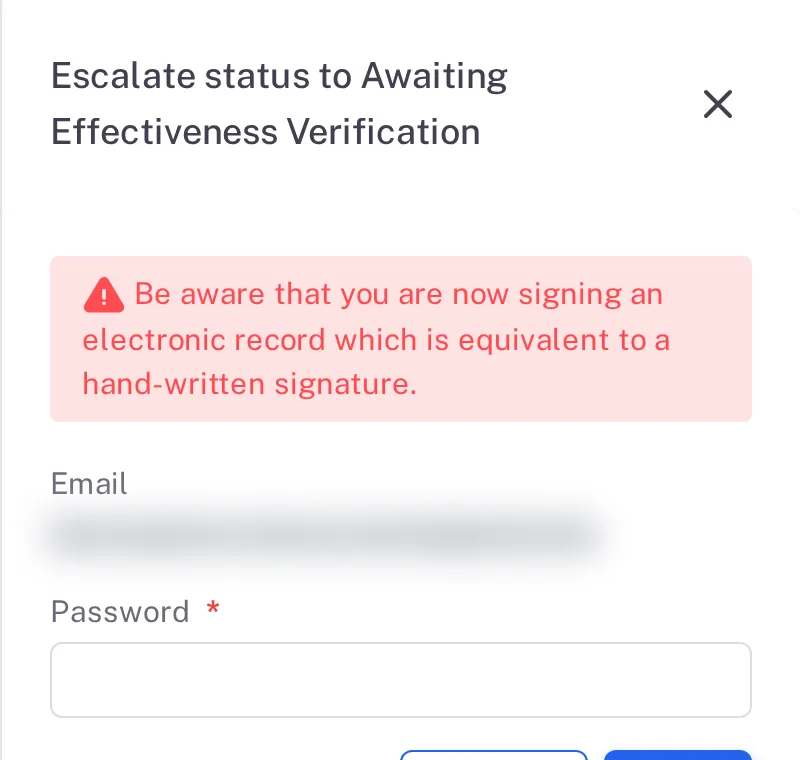
Step 4. The Escalate status to Awaiting Effectiveness Verification form with the signature warning, Email and Password
Result
- With Yes, the CAPA is in Awaiting Effectiveness Verification, where the QAs verify it and close it.
- With No, the CAPA goes back to Awaiting QA sign-off. Your review stays listed on the Effectiveness tab, above the next one.
Next: the QAs close the CAPA — see Close a CAPA.
What gets recorded
Each entry appears on the CAPA's Audit Trail tab.
What the audit trail records
You saved the effectiveness review.
- Action Type
- Save Effectiveness
- Username
- Your username
- Date Created
- Date and time of the action
- Activity
- "Effectiveness save successfully"
You answered Yes and signed.
- Action Type
- Change Status
- Username
- Your username
- Date Created
- Date and time of the action
- Activity
- Names the move, for example "The CAPA has been signed by the Coordinators and its status has been updated from Awaiting Effectiveness Review to Awaiting Effectiveness Verification".
If something is different
The status button is greyed out.
Its tooltip reads "Please complete the Effectiveness review form before proceeding." Answer the form on the Effectiveness tab and select Save And Escalate.