
Before you start
- The finding is Pending Approval.
- You approve findings on this audit: a Host on an Internal audit, or the Lead Auditor on a Supplier audit (its Additional Auditors are also offered the close).
- You know your Complere password.
Steps
Open the audit from Audits › Audits, then open its Findings tab.
Select Escalate on the finding's row. The panel offers Escalate status to Closed and Escalate status back to Open.
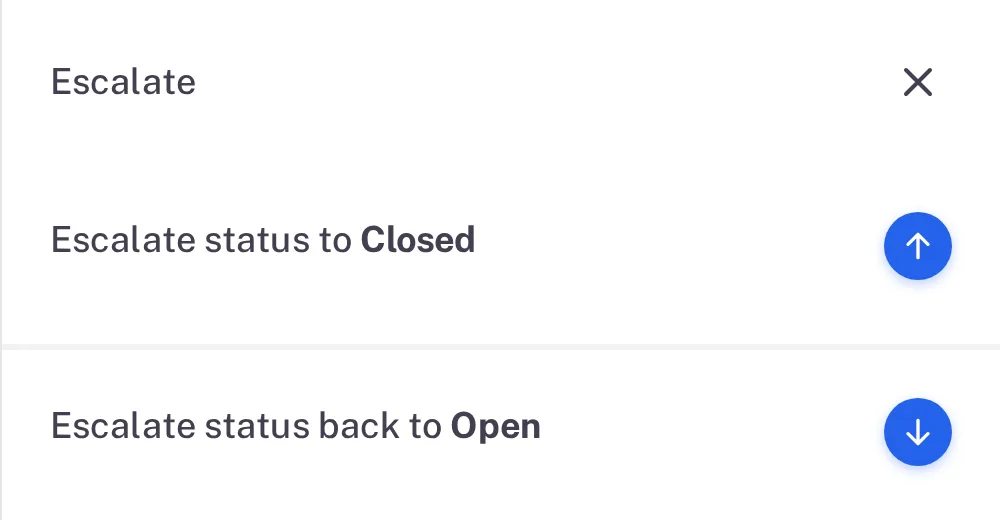
Step 2. The finding's Escalate panel with Escalate status to Closed and Escalate status back to Open Select the arrow beside Escalate status to Closed. Type your password and a Reason, then select Sign.
Result
The finding is Closed. When every finding is Closed, the audit can be closed — see Close an audit.
If something is different
The resolution is not good enough.
In the panel, choose Escalate status back to Open instead. The form "Status reject to Open" asks for a Reason, and the finding goes back to its Responsible Users. On an Internal audit, no Host can close the finding when it returns for approval; see How an audit moves from Draft to Closed.