
A finding has its own statuses, Open, Pending Approval and Closed, separate from the audit's.
Before you start
- The finding is Open, and you are one of its Responsible Users.
- You know your Complere password.
Steps
Open the audit from Audits › Audits, then open its Findings tab. Each finding row has an Escalate button.
Select Escalate on your finding's row. The form Escalate status to Pending Approval opens. Type your password and a Reason, for example what was done to resolve the finding, then select Sign.
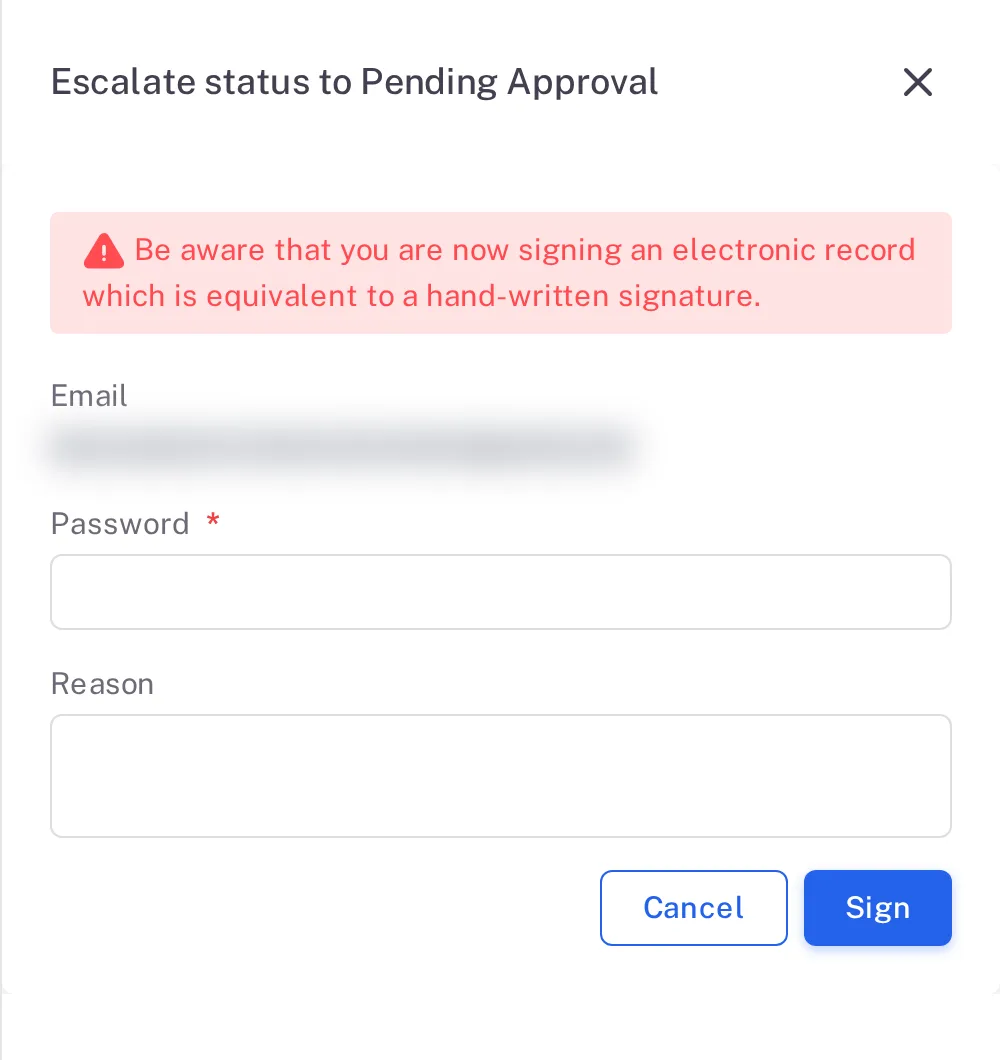
Step 2. The Escalate status to Pending Approval form for a finding, with the signature warning, Email, Password, Reason and the Cancel and Sign buttons
Result
The finding is Pending Approval. It is closed by a Host on an Internal audit, or by the Lead Auditor on a Supplier audit (its Additional Auditors are also offered the close).
Next: see Close an audit finding.