
Before you start
- The change request is Awaiting Effectiveness Verification.
- You are named in QAs on the change request.
- You know your Complere password.
Steps
Open the change request from Controlled Change › Change Requests and read its Effectiveness Form tab.
Select the status button at the top of the page. The Escalate panel offers Escalate status to Closed and Escalate status back to Awaiting Effectiveness Review.
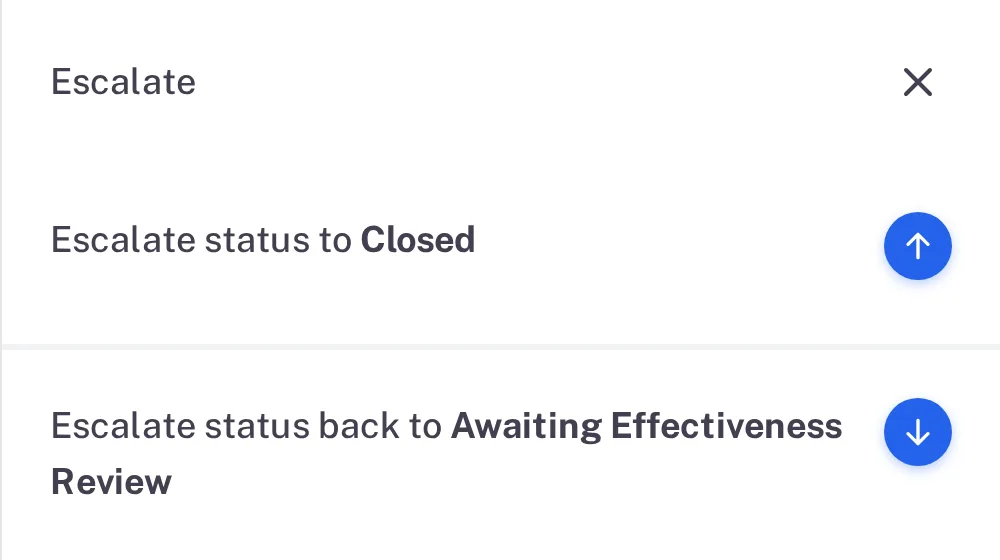
Step 2. The Escalate panel of a change request in Awaiting Effectiveness Verification with Escalate status to Closed and Escalate status back to Awaiting Effectiveness Review Select the arrow beside Escalate status to Closed. Type your password and a Remark if you want one, then select Sign.
Result
The change request is Closed. Its status button is greyed.
What gets recorded
The entry appears on the change request's Audit Trail tab.
What the audit trail records
You signed the change request closed.
- Action Type
- Change Status
- Username
- Your username
- Date Created
- Date and time of the action
- Activity
- "Change request signed by QAs and status changed from Awaiting Effectiveness Verification to Closed", followed by your remark.
If something is different
The status button is greyed out.
You are not named in QAs on the change request. Open the Roles tab.