
Before you start
- The risk assessment is Under Signing by Approver (you are named in Approvers) or Under Signing by QA (you are named in QAs).
- You know your Complere password.
Steps
Open the assessment from Risk Assessments › Risk Assessments. Read its risks on the Risk Assessment tab; the header shows how many are closed, for example "1 of 1 risks closed (100%)".
Select the status button at the top of the page. As an Approver, the Escalate panel offers Escalate status to Under Signing by QA, and Escalate status back to Draft or back to Under Assessment.
As a QA, it offers Escalate status to Done, and the moves back to Draft, Under Assessment or Under Signing by Approver.
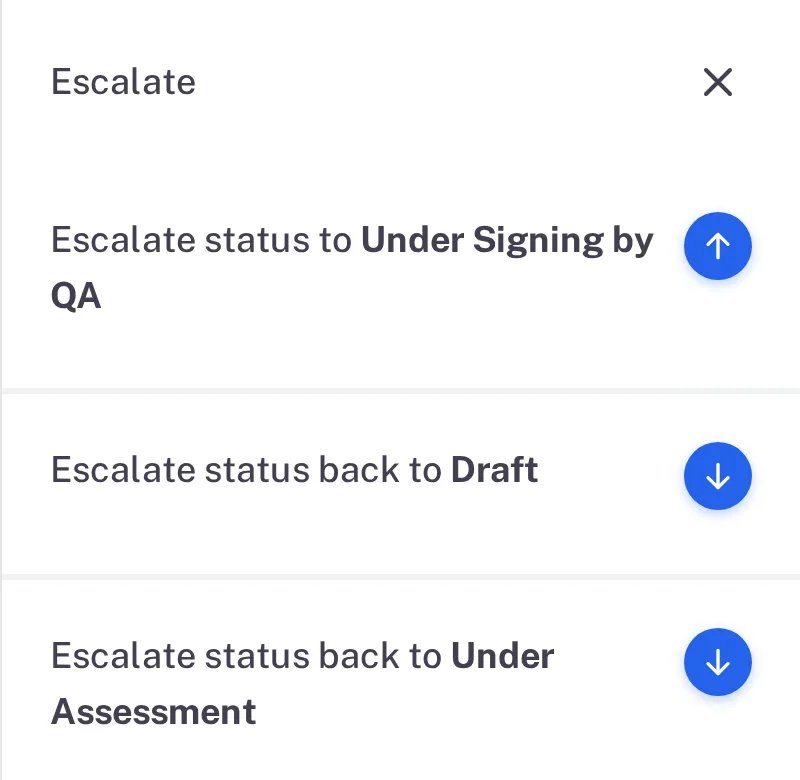
Step 2. The Approver's Escalate panel: Escalate status to Under Signing by QA, back to Draft and back to Under Assessment 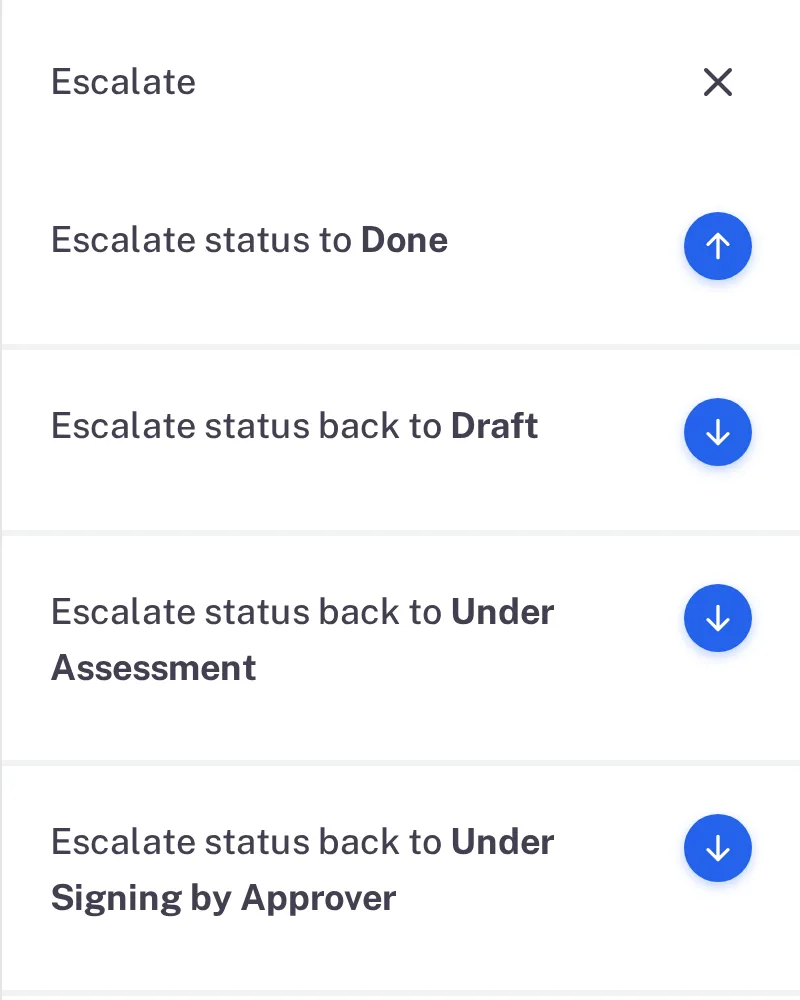
Step 2. The QA's Escalate panel: Escalate status to Done and the three moves back Select the arrow beside the forward move. Type your password, and a Remark if you want one, then select Sign.
Result
After the Approver's signature the assessment is Under Signing by QA. After the QA's signature it is Done, and its status button is greyed: a Done assessment offers no further move.
To send the assessment back instead, an Approver selects a move back: the form asks for a Reason and has a Select Risks to Reopen field. If it comes back to Under Assessment with every risk already Closed, a Responsible Person moves it on with a Remark only: "All risk items are closed, so this step is recorded with a remark only. No electronic signature is captured".
What gets recorded
Each entry appears on the risk assessment's Audit Trail tab.
What the audit trail records
An Approver signed.
- Action Type
- Change Status
- Username
- Your username
- Date Created
- Date and time of the action
- Activity
- "Risk assessment signed by Approvers and status changed from Under Signing by Approver to Under Signing by QA"
A QA signed.
- Action Type
- Change Status
- Username
- Your username
- Date Created
- Date and time of the action
- Activity
- "Risk assessment signed by QAs and status changed from Under Signing by QA to Done"
If something is different
The status button is greyed out.
You are not named in the role that signs in this status. Hover over the button: its tooltip names who can move the assessment, for example "QAs can change status from Under Signing by QA to Done".